


Copying trades across multiple broker accounts can save you time, reduce manual errors, and help you manage a larger setup with one main trade decision.
You can copy your own trades across your accounts, or you can copy another trader’s entries into your account. However, a trade copier setup needs proper risk controls, account rules, and stable connection.
One bad setting can send the wrong lot size, miss a stop loss, or place trades on accounts you did not want active.
What Trade Copying Means for Broker Accounts
Trade copying means one account sends trade actions to one or more connected accounts.
The main account places the order first, and the copier sends the same trade to the follower accounts. For broker users, trade copying usually fits two main use cases.
The first use case is copying your own trades. For example, you may trade one main futures, forex, or CFD account and copy those trades into two other broker accounts.
You still make every trade decision, but the copier saves you the manual work.
The second use case is copying another trader. In that setup, another trader places trades, and your account copies them based on your settings.
You need to control lot size, risk limit, max loss, allowed symbols, and trade times because the other trader’s account size may not match yours.
A copier does not remove risk. It only copies trade actions faster than you can do by hand. You still need rules for account size, stop losses, trade limits, and platform stability.
Why Traders Use Multiple Broker Accounts

Traders use multiple accounts for different reasons. Some separate short-term trades and swing trades.
Others keep one high-risk account and one lower-risk account. Some use several brokers because spreads, commissions, execution speed, or available markets differ.
A multi-account setup can help you:
- Test the same strategy with different risk levels
- Separate personal capital and client-style capital
- Use different brokers for different market conditions
- Copy one strong setup across several accounts
- Follow another trader while you keep your own risk limits
For example, you may risk 1% on your main account and 0.5% on a smaller second account. A good copier can scale the position size instead of sending the same lot size everywhere.
That matters because a 1-lot trade on a $50,000 account and a 1-lot trade on a $5,000 account do not carry the same risk.
The Main Risks When You Copy Trades
Trade copying sounds simple until one setting goes wrong. Broker accounts can use different symbols, contract sizes, margin rules, and execution speeds.
Common problems include:
- Wrong lot size on follower accounts
- Trade delay during fast markets
- Stop loss not copied correctly
- Symbol mismatch, such as NAS100 vs USTEC
- Broker rejection due to margin limits
- One follower account left connected by mistake
- Slippage during news or low-liquidity periods
Even a small mistake can create a large problem. For example, your main account may open 0.10 lots on EUR/USD, but a bad multiplier could send 1.00 lot to a smaller follower account.
A normal loss on the main account can turn into a serious drawdown on the follower account.
That is why copier choice matters. You need more than basic order duplication. You need control.
Best Option: Use a Third-Party Trade Copier
A third-party trade copier usually gives you more control than a native copier built into one platform.
It can help you manage account size, risk limits, trade filters, and copy rules in one place. Good third-party copiers usually let you set:
Fixed lot size
- Ratio-based lot size
- Max daily loss
- Max trades per day
- Symbol filters
- Account groups
- Stop-loss and take-profit copy rules
- Emergency close settings
Account groups matter a lot. You may want one group to copy all trades, another group to copy only micro contracts, and another group to stay paused during news.
For most serious broker setups, a third-party copier makes more sense because it gives you better account control. Native tools can work for simple setups, but they often feel limited once you add more accounts or more rules.
Recommended Setup: Affordable Indicators With QuantVPS
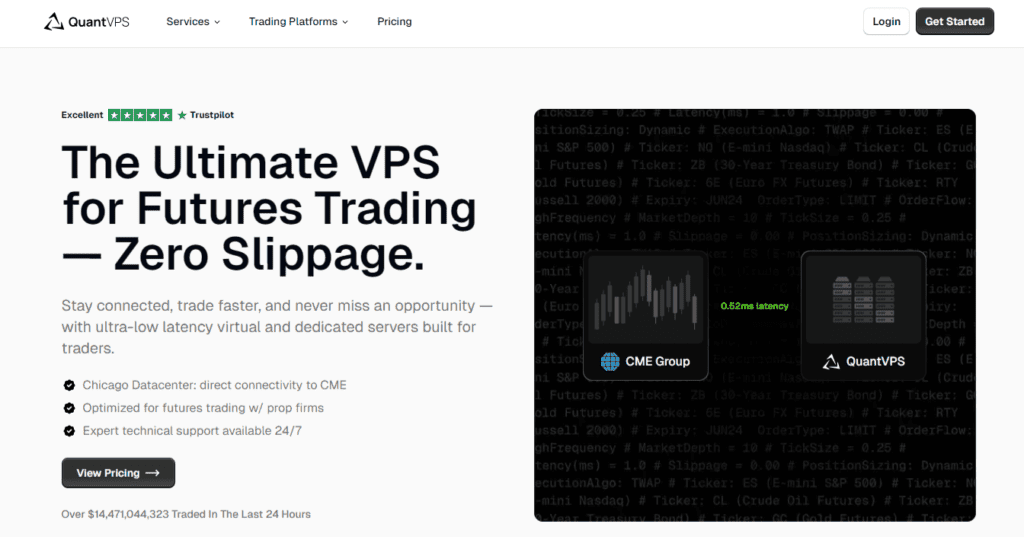
Affordable Indicators paired with QuantVPS is the strongest setup for traders who want control and stability.
Affordable Indicators gives you the copier tools and account controls. QuantVPS gives you a stable server to run the setup without relying on your home computer.
Why Affordable Indicators Works Well

Affordable Indicators fits traders who need more than basic trade copy. It gives you tools for account-level control, risk limits, position management, and copier settings.
That helps if you trade several accounts with different balances. You can set each follower account based on its own risk profile instead of copying the exact same size everywhere.
For example, your main account could trade 3 contracts, while a smaller account copies only 1 contract. Another account could copy only certain symbols. A third account could stay off during high-risk sessions.
Strong copier control helps you avoid the most common multi-account mistakes.
Why QuantVPS Matters

A copier setup can fail if your computer freezes, your internet drops, or your platform closes. QuantVPS helps because your platform can run on a server with more stable uptime.
A VPS also helps if you travel, use a laptop, or trade during sessions where a missed order could cost real money.
QuantVPS works well with desktop-based copier setups because it keeps the trading platform active without depending on your home setup.
For traders who copy trades across several accounts, that extra stability can protect the whole setup.
Cloud Copier Alternatives: SyncFutures and TradeSyncer
Not every trader wants to run software on a VPS. Cloud copiers can suit traders who prefer a cleaner setup with less technical work.
SyncFutures and TradeSyncer are two good alternatives if you want browser-based trade copy tools.
SyncFutures works well for traders who want a cloud setup with account controls, copy rules, and a simple dashboard.
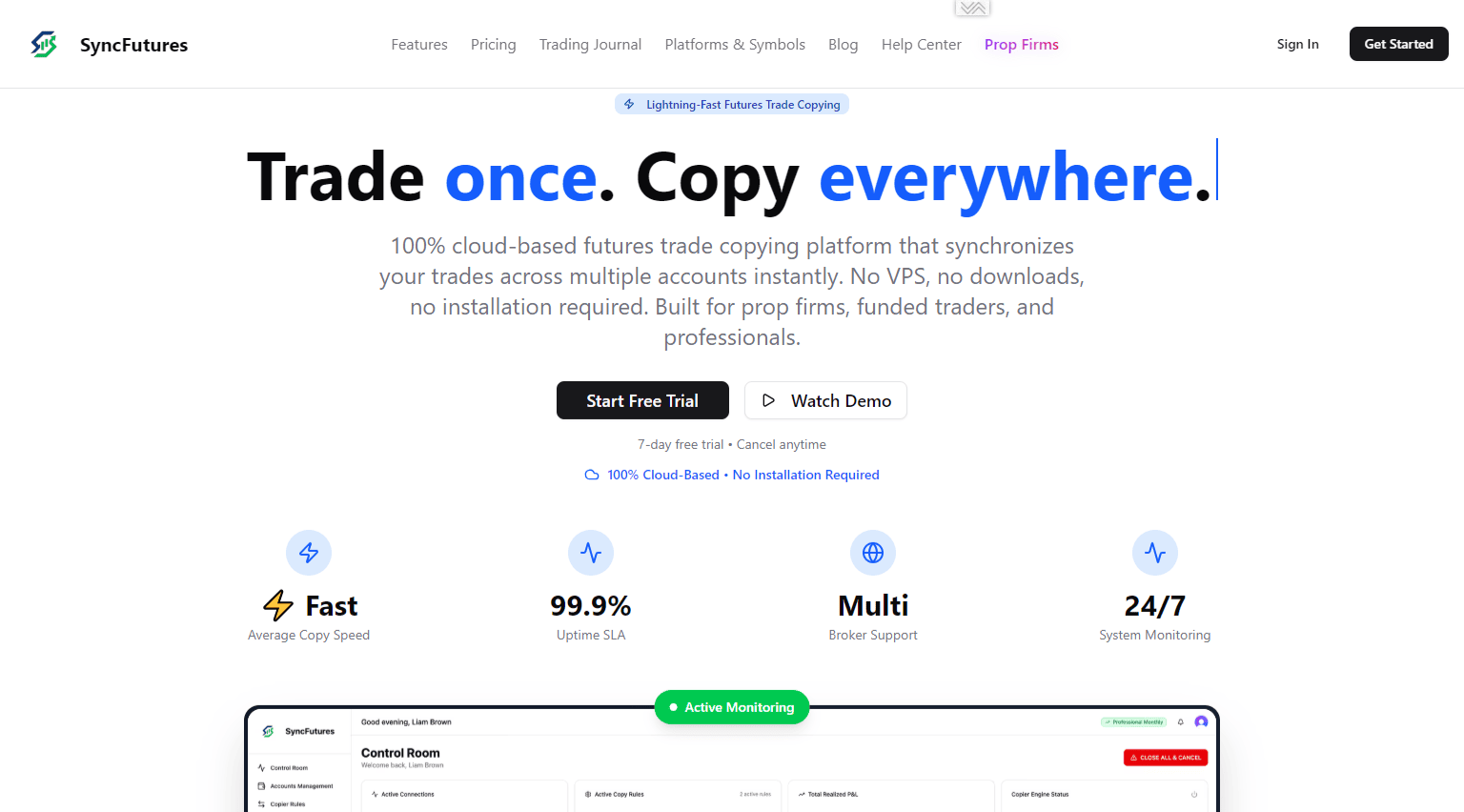
It removes the need to keep your own computer active all day.
TradeSyncer also fits traders who want cloud trade copy features across several platforms. It can suit users who rely on TradingView alerts, broker connections, or a more flexible copy setup.
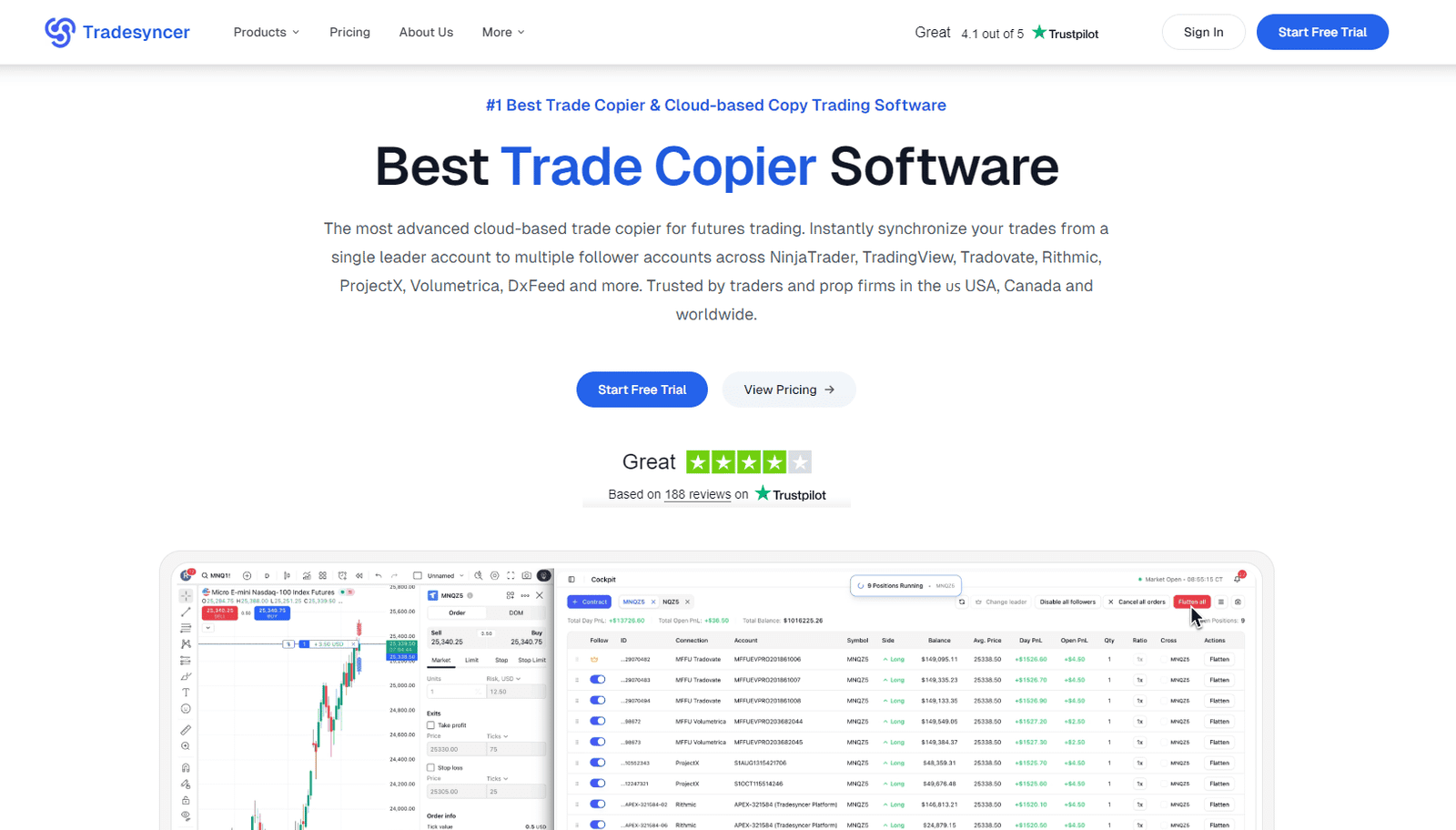
Cloud copiers can work well if you want less setup work.
However, always check platform support, broker support, pricing, and risk controls before you connect real capital.
Native Trade Copiers Are Usually Not The Best Choice
Native trade copiers come built into some platforms or broker tools. They can copy trades between accounts, but they usually offer fewer controls.
A native copier may work if you have two accounts with the same broker, same balance, same symbols, and same risk level. The problem starts when your setup grows.
Native copiers often struggle with:
- Flexible position size rules
- Multi-broker setups
- Different account groups
- Detailed risk limits
- Better trade filters
- Clear error reports
That does not mean native tools are useless.
They can help a beginner test the idea of trade copy. However, serious multi-account setups usually need better protection than a basic copy button.
How to Set Up Trade Copying Safely

Start small before you connect every account. A copier setup should go through a test phase before you use full size.
Use one lead account first. Then connect one follower account with small size. Check how market orders, limit orders, stop losses, take profits, partial closes, and trade exits copy.
Also, test what happens when you close a trade manually. Some copiers handle manual exits well. Others may leave one account open if the settings are wrong.
Before full use, check:
- Symbol names on each broker
- Lot size or contract multiplier
- Max risk per account
- Stop-loss copy settings
- Slippage tolerance
- News session rules
- Account pause controls
- Emergency close button
You should also keep a simple trade log for the first few sessions.
Write down the lead account entry, follower account entry, difference in fill price, and exit result. Small differences are normal, but large differences mean you need to fix the setup.
Frequently Asked Questions
Can I Copy Trades Between Different Brokers?
Yes, you can copy trades between different brokers if your copier supports both platforms or connections.
Always check symbol names first because one broker may list an index, forex pair, or futures contract under a different label.
Should I Copy Every Trade to Every Account?
No, you should not copy every trade to every account by default.
Some accounts may need lower risk, fewer trades, or different symbols. Account grouping helps you avoid unnecessary exposure.
Can I Copy Another Trader and Still Control My Risk?
Yes, a good copier lets you control your own lot size, max loss, and allowed markets.
Never copy another trader without personal risk limits because their account size and risk style may not match yours.
How Often Should I Check My Copier Settings?
Check your copier settings before each major session, especially after platform updates, broker changes, or account balance changes.
A quick review can catch wrong multipliers, inactive accounts, or symbol issues before real trades start.
Final Thoughts
Trade copying can help you manage several broker accounts with less manual work, but the setup needs care. A strong copier should give you control over account size, risk, symbols, and trade limits.
For traders who want the safest desktop-based setup, Affordable Indicators with QuantVPS makes the most sense.
Affordable Indicators handles the copier controls, while QuantVPS helps keep the platform stable. SyncFutures and TradeSyncer also work well if you prefer a cloud setup.
Native copiers can help with basic account copy, but they rarely offer enough control for serious multi-account trade setups.