


Expert Advisors can help you follow a fixed trading plan, place orders automatically, and manage positions without constant manual input.
Your broker still plays a major role because platform support, spreads, execution speed, and strategy rules can affect how your EA performs in live markets. You also need a stable VPS if you want your system to stay active while your computer is off or your internet connection fails.
Services such as QuantVPS give you remote access to a trading server that can keep MT4, MT5, and other platforms online around the clock. This guide compares brokers that support automated strategies and offer the conditions active traders need.
Best Forex Brokers With Support for Expert Advisors
These brokers give you the platforms, account conditions, and execution features required for automated forex strategies.
1. TabTrade: Best for Advanced Connectivity
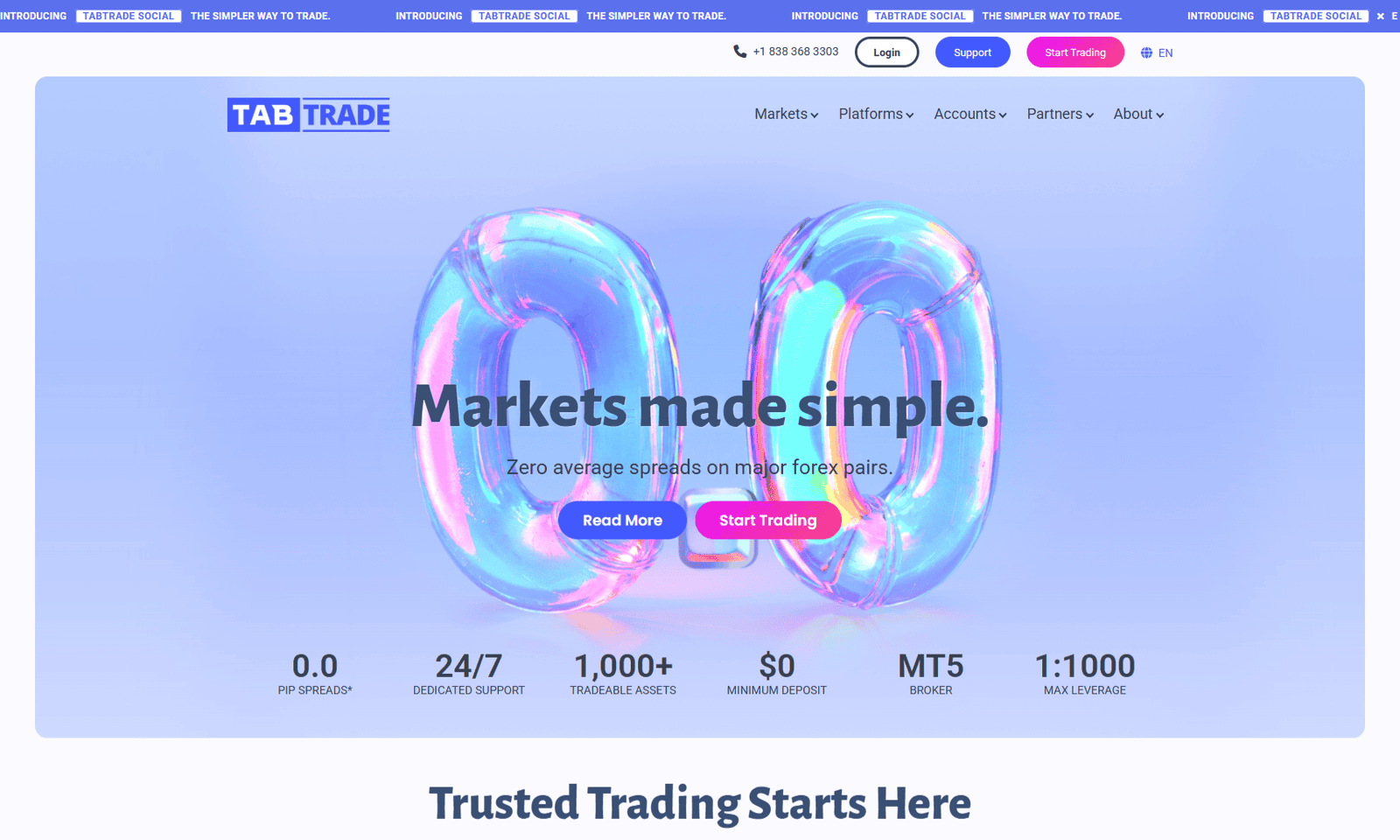
TabTrade supports MT5 Expert Advisors and places its servers in the Equinix LD5 data centre for low-latency access.
- Edge account spreads: 0.0 pips
- Edge minimum deposit: $250
- Leverage: up to 1:1000
- Extra tools: free VPS and FIX API
MT5 is available now, while cTrader is listed as coming soon.
2. Blueberry Markets: Best Overall Broker for Expert Advisors

Blueberry Markets supports EAs through MT4 and MT5, with Direct account spreads that start at 0.0 pips on EUR/USD.
- Direct account commission: $3.50 per lot, per side
- Minimum deposit: $100
- Markets: forex, indices, commodities, shares, and crypto CFDs
- Key benefit: VPS access for continuous EA operation
Fast execution and broad CFD access suit scalping robots and systems that track several markets.
2. DNA Markets: Best for Raw Pricing and Simple EA Setup

DNA Markets allows EAs on its Standard and Raw accounts, so you can choose between spread-only pricing and lower raw spreads.
- Raw spreads: 0.0 pips
- Minimum deposit: $100
- Leverage: up to 1:500
- Market range: more than 800 CFDs
No requotes and minimal strategy restrictions give your EA greater freedom.
4. FNMarkets: Best for Flexible Automated Trading Rules

FNMarkets gives you direct EA support through MT5, alongside rules that permit scalping, hedging, and VPS use.
- Raw spreads: 0.0 pips
- Minimum deposit: $50
- Leverage: up to 1:500
- Open orders: no stated maximum
These conditions suit you if your EA opens several positions or relies on short-term price movements.
5. EBC Financial: Best for Research-Based EA Strategies
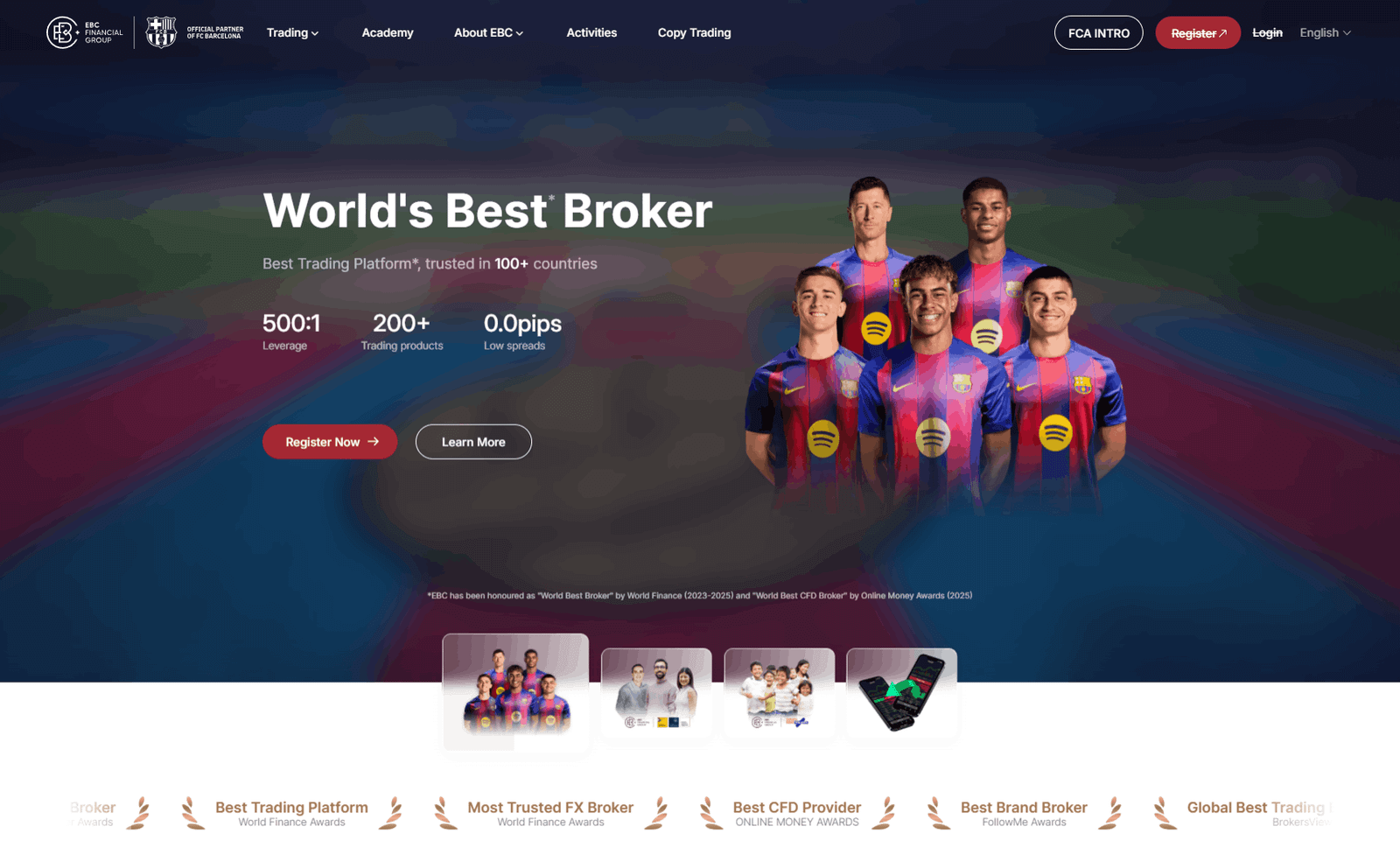
EBC Financial supports Expert Advisors on MT4 and MT5, with access to currencies, metals, commodities, indices, and shares.
- EA access: Standard and Professional accounts
- Platforms: MT4 and MT5
- Key strength: economic research and market analysis
- Important detail: products and protections differ by regional entity
Its research can support EAs that use scheduled data or wider market signals.
6. Vantage Markets: Best for Platform Choice and EA Education

Vantage supports EAs through MT4 and MT5, with Raw ECN pricing designed for active strategies.
- Raw ECN spreads: 0.0 pips
- Minimum deposit: $50
- Commission: from $3 per side
- Available CFDs: more than 1,000
You also receive market analysis, signals, and economic-calendar tools.
7. IC Markets: Best for Low-Latency EA Trading

IC Markets suits high-volume EAs through raw pricing, deep liquidity, and infrastructure in Equinix NY4.
- Raw spreads: 0.0 pips
- Average EUR/USD raw spread: 0.1 pips
- Advertised execution speed: below 66 milliseconds
- Platforms: MT4, MT5, and cTrader
You can run scalping robots and other automated strategies without standard strategy restrictions.
8. Pepperstone: Best for Automated Strategy Flexibility
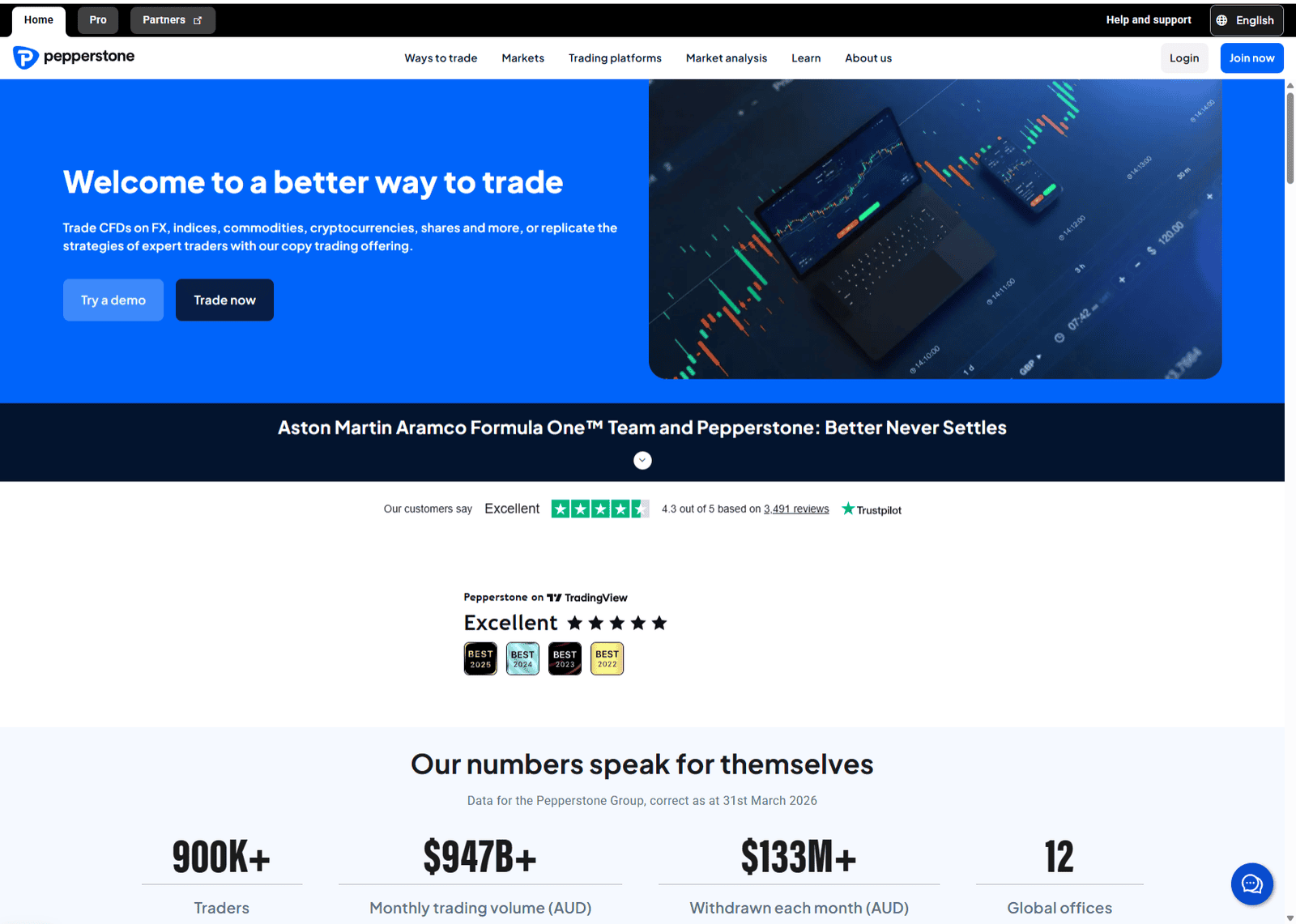
Pepperstone supports EAs on MT4 and MT5, plus C# algorithms through cTrader Automate.
- Razor spreads: 0.0 pips
- Smart Trader Tools: 28 apps and indicators
- Platforms: MT4, MT5, cTrader, and TradingView
- Reported fill rate: up to 99.94%
Pepperstone permits most automated strategies, but it prohibits practices such as latency arbitrage.
9. Exness: Best for Account Variety and Automated Execution

Exness gives you MT4 and MT5 access across several Standard and Professional account types.
- Selected account spreads: 0.0 pips
- VPS access: available to qualifying clients
- Platforms: MT4 and MT5
- Best fit: forex and multi-asset automated systems
The range of pricing models helps you match account costs to your EA’s trade frequency.
10. Interactive Brokers: Best for Advanced Algorithms and Global Markets
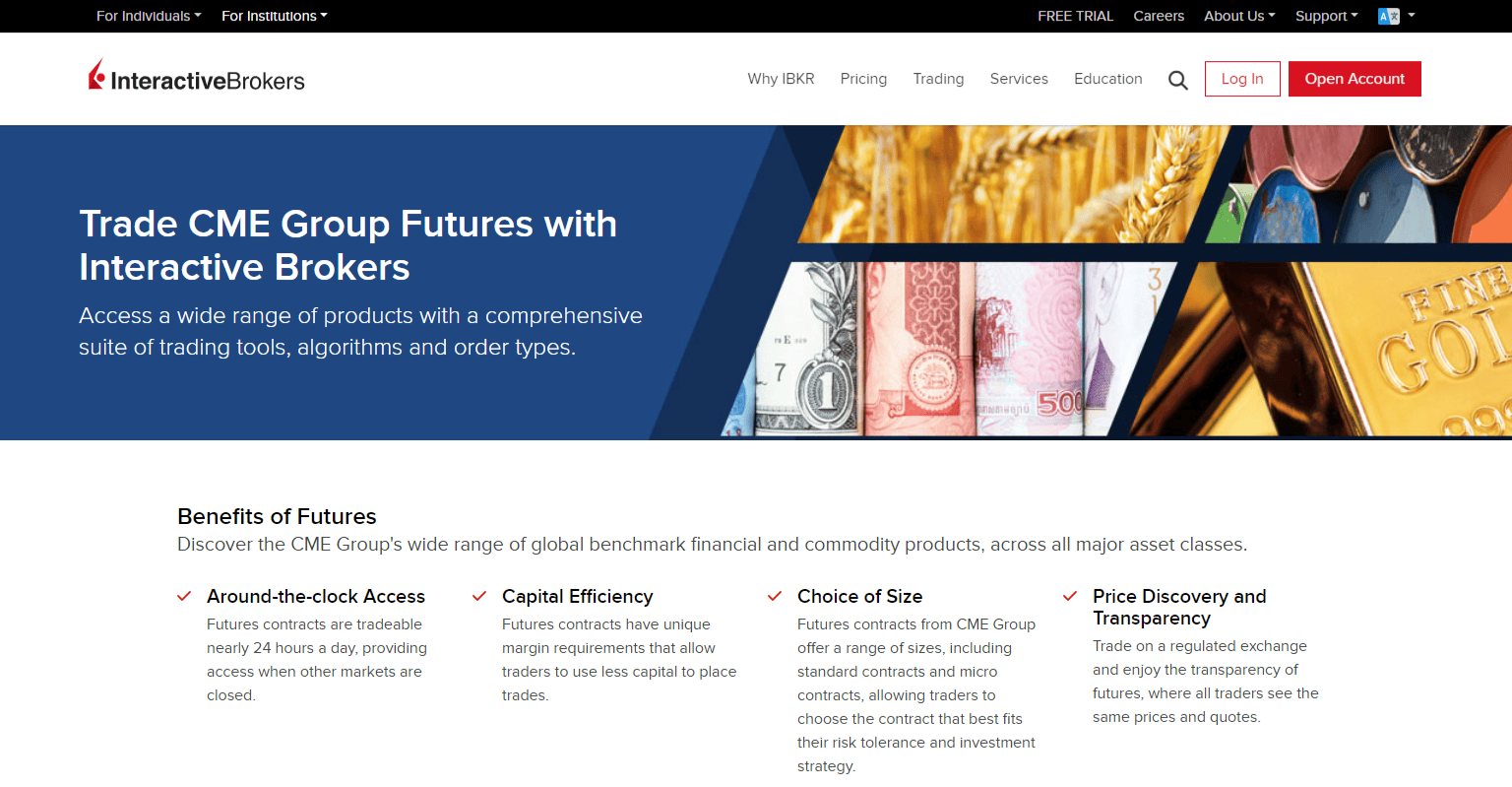
Interactive Brokers suits custom algorithms rather than standard MetaTrader EAs.
- Main platform: Trader Workstation
- Automation: Client Portal, TWS, Excel, and FIX APIs
- Markets: stocks, options, futures, forex, bonds, and funds
- Key advantage: advanced order types and global exchange access
It is a strong option if you can code your own system and need access beyond forex CFDs.
Best Forex Brokers for Expert Advisors Compared
This table highlights the main platform, pricing, and VPS differences that can affect your automated strategy.
| Broker | EA Platform | Spreads From | VPS Support | Best For |
| TabTrade | MT5 | 0.0 pips | Available | VPS and FIX API access |
| Blueberry Markets | MT4, MT5 | 0.0 pips | Available | Best overall EA setup |
| DNA Markets | MT4, MT5 | 0.0 pips | External VPS | Simple raw pricing |
| FNMarkets | MT5 | 0.0 pips | Supported | Flexible EA rules |
| EBC Financial | MT4, MT5 | Varies | External VPS | Research-based systems |
| Vantage Markets | MT4, MT5 | 0.0 pips | Available | Platform flexibility |
| IC Markets | MT4, MT5, cTrader | 0.0 pips | Available | Low-latency EAs |
| Pepperstone | MT4, MT5, cTrader | 0.0 pips | Available | Multiple automation tools |
| Exness | MT4, MT5 | 0.0 pips | Qualifying clients | Account variety |
| Interactive Brokers | TWS, APIs | Varies | External VPS | Custom coded algorithms |
Why You Should Run Expert Advisors on a VPS
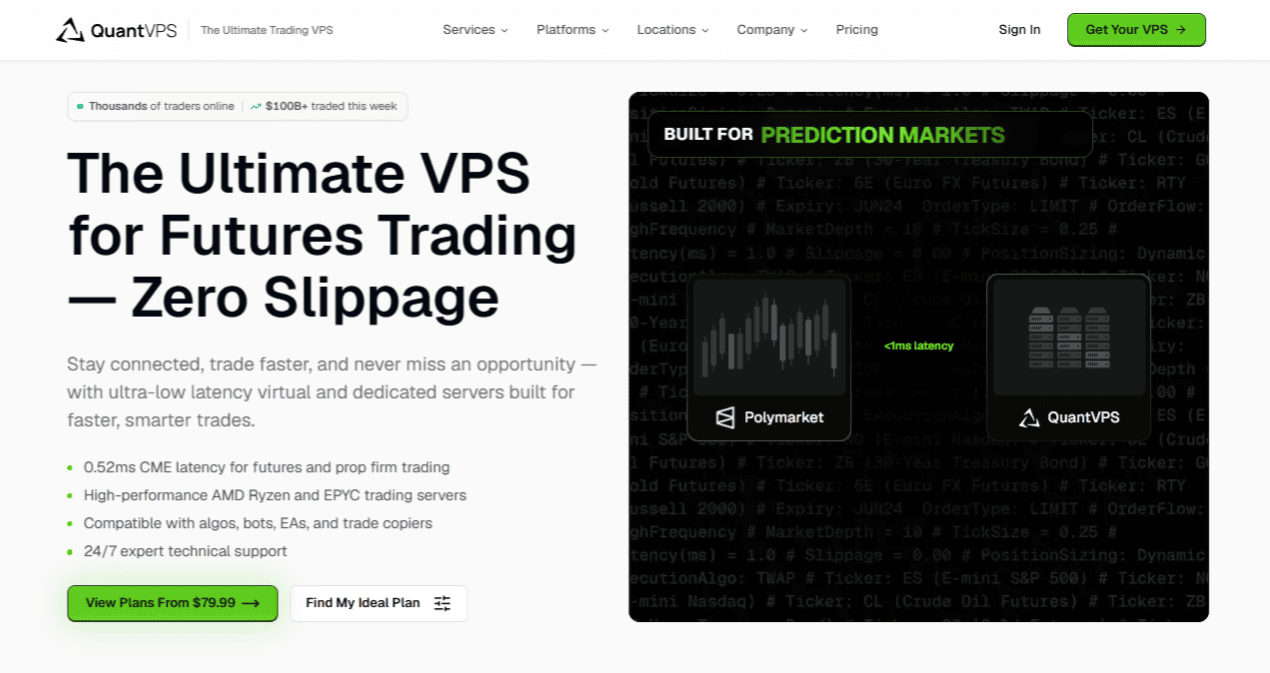
A dedicated VPS gives your Expert Advisor a more stable environment than a home computer.
Your EA can stop if your Wi-Fi disconnects, the power fails, Windows installs an update, or your computer enters sleep mode.
A closed MT4 or MT5 terminal also prevents the software from opening trades, adjusting stop-loss orders, or closing positions. A VPS keeps the platform active 24 hours a day, even when your personal device is off.
QuantVPS supports MT4, MT5, TradingView, and Interactive Brokers setups through a Windows-based remote server. You can access the VPS through a desktop computer, tablet, or phone, which allows you to check your terminals without remaining at home.
Its VPS Lite configuration includes 4 CPU cores, 8 GB of RAM, and 70 GB of NVMe storage. Higher plans provide more CPU power and memory for several terminals, charts, or EA instances.
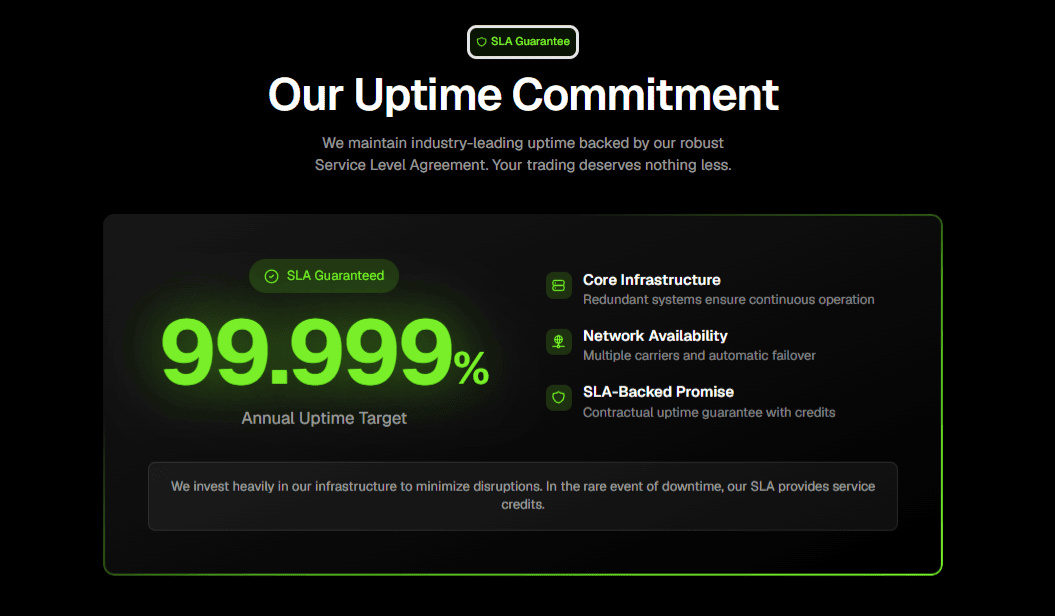
QuantVPS also advertises 99.999% uptime, 24/7 operation, NVMe storage, and remote access across devices. These features help you keep your automated setup online while reducing the risks tied to home power, internet, and hardware failures.
Frequently Asked Questions
Which Forex Brokers Allow Expert Advisors?
Blueberry Markets, DNA Markets, FNMarkets, TabTrade, EBC Financial, Vantage Markets, IC Markets, Pepperstone, and Exness support automated strategies through MT4 or MT5. Interactive Brokers supports custom algorithms through Trader Workstation and several APIs.
Do I Need a VPS to Run an Expert Advisor?
You can run an EA on your personal computer, but a VPS gives you a more reliable 24/5 setup. It keeps your platform online during power cuts, Wi-Fi failures, forced updates, and computer shutdowns.
Can I Run Several Expert Advisors on One VPS?
Yes, you can run several EAs on one VPS if the server has enough CPU power, RAM, and storage. More terminals, charts, and active strategies require stronger hardware resources.
Which Platform Is Best for Expert Advisors?
MT4 and MT5 are the most common choices because they support automated strategies through Expert Advisors. cTrader suits C# algorithms, while Interactive Brokers is better for custom systems built through APIs.
Are Expert Advisors Profitable?
An EA can follow a strategy consistently, but it cannot guarantee profits. Results depend on market conditions, account costs, execution quality, risk settings, and the quality of the trading system.