

Exness is unusually open about its infrastructure. Its help centre names six cities outright: Amsterdam, Dubai, Seoul, Singapore, Miami and Johannesburg.
That is the whole list, and none of the usual forex answers appear on it. Not London. Not New York. Not Chicago.
Anyone who assumes LD4 is the right home for an Exness terminal is aiming at the wrong continent, and the numbers back that up.
FXVM publishes measured round trips to 108 brokers, and its Exness row reads Singapore 2ms, Frankfurt 8ms, London 9ms, Zurich 13ms, Amsterdam 15ms, New York 32ms, Chicago 47ms, Tokyo 52ms and Mumbai 52ms. Best location: Singapore.
There is a second thing worth settling before spending anything. Exness gives away a VPS.
Worth Knowing: the free Exness VPS runs Windows Server 2019 with 2 CPU cores, 2GB of RAM and 50GB of disk.
Access depends on hitting an account balance or trading volume threshold, and it is an ongoing requirement rather than a one-time test, so it can be withdrawn.
One per Personal Area, five MetaTrader platforms maximum, and browsers cannot be installed because the machine is reserved for trading.
For a single terminal on a funded account, that free box is genuinely good.
You pay for your own once you outgrow 2GB, once you want more than five terminals, once you want something other than MetaTrader on the machine, or once the balance requirement stops being comfortable.
Best VPS for Exness With Low Latency
Here’s the list of the top 3 VPS for Exness with low latency.
1. QuantVPS
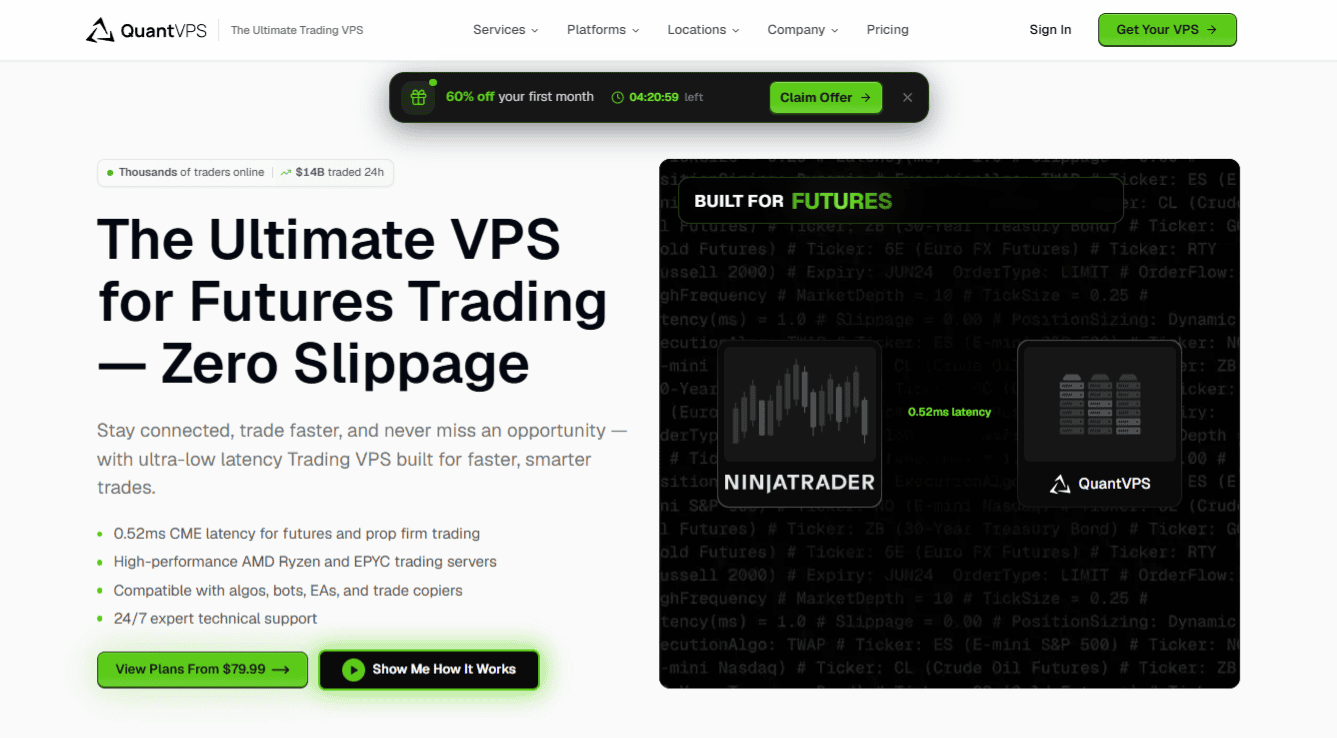
Of QuantVPS's seven cities, exactly one appears on the Exness list, and it happens to be a good one.
Amsterdam is where the two networks meet. Frankfurt sits close enough to matter, and the FXVM measurements put Frankfurt at 8ms and Amsterdam at 15ms against Exness, so a Frankfurt box is a legitimate choice too.
Tokyo is the nearest QuantVPS gets to the Asian cluster, and at 52ms measured it is not really competing with a Singapore node.
Where QuantVPS earns its price is capacity rather than geography. The ladder runs $79.99 for VPS Lite, $129.99 for Pro, $199.99 for Ultra and $399.99 for the Dedicated tier, with a fifth off any of them on annual terms.
Memory is what climbs: 8GB, then 16GB, then 32GB, then 128GB. Core counts follow at four, six, eight and twelve-plus, all AMD Ryzen.
Monitor support widens from one screen to six, and backtesting capacity moves from absent at the entry tier to extensive at the top, which is the one upgrade argument that genuinely holds up.
Note the provenance of that 0.52ms badge. It was recorded in Chicago, pointed at CME. It tells you the network is properly engineered. It tells you nothing about the distance between you and an Exness server, which is an entirely different path.
Pros: the most memory per dollar at the top end, dedicated IPs, DDoS protection, 24/7 NOC monitoring and unmetered bandwidth on every plan, plus multi-monitor support that none of the cheaper options match.
Cons: only one of its seven cities is on the Exness list, so four of the six Exness venues are out of reach entirely.
Best for an Exness account traded from Europe alongside CME futures, where Amsterdam covers the broker and Chicago covers everything else on the same provider.
2. TradoxVPS
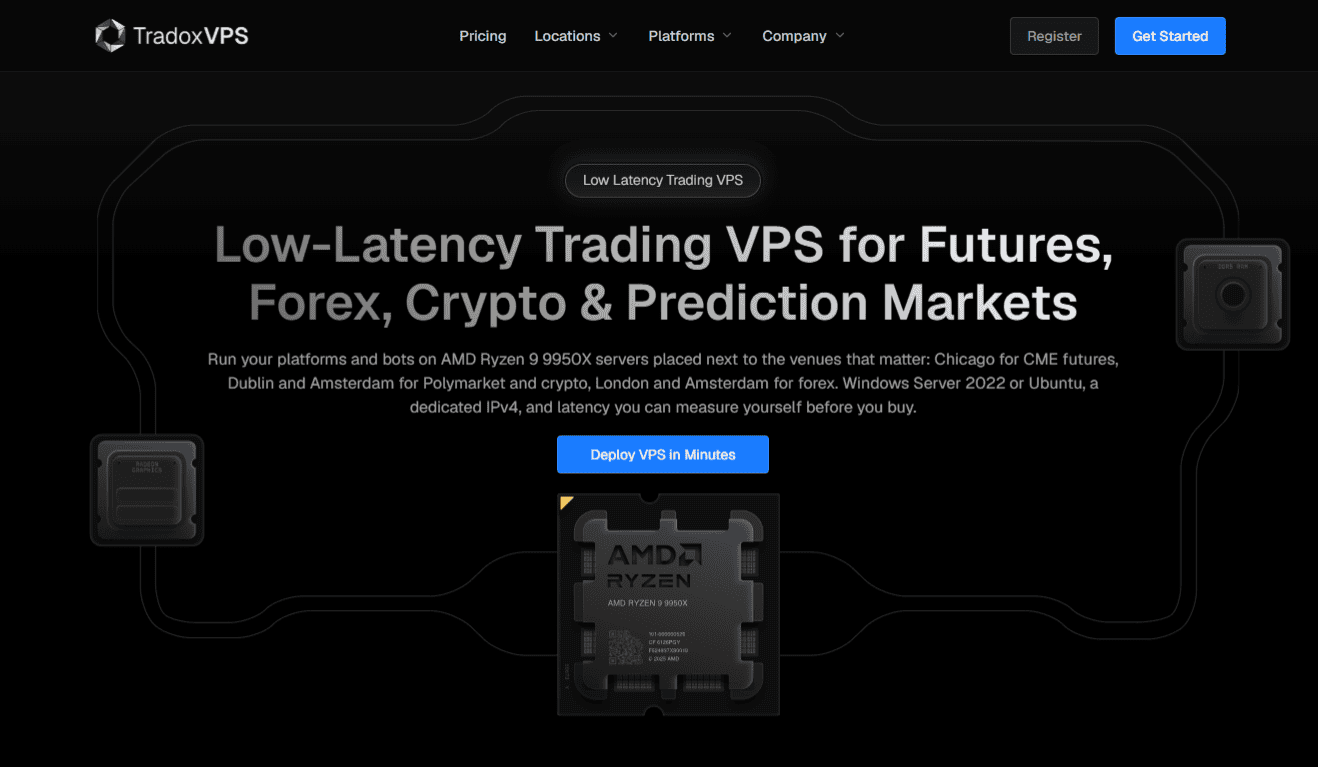
Four nodes here, and the company's own routing advice mentions Amsterdam twice over. Forex is pointed at London or Amsterdam. Crypto and prediction markets are pointed at Dublin or, again, Amsterdam. CME futures go to Chicago.
Amsterdam is the connection point for Exness, at 15ms on FXVM's measured figures.
London at 9ms is actually quicker on those numbers despite not being an Exness city, which is a reminder that routing beats intuition and that measuring is better than assuming.
TradoxVPS makes that easy, and it is the real argument for the provider here: 72 hours at no cost on whichever tier you pick, long enough to stand a terminal in Amsterdam beside one in London and read both numbers.
Pricing is the most granular of the three. Six steps sit on a single chip across the whole range, the AMD Ryzen 9 9950X, alongside DDR5, NVMe, a 3 Gbps link and an IPv4 reserved for you.
You choose the operating system at deployment, either Windows Server 2022 or Ubuntu 24.04. Starter costs $39 and carries two vCores beside 6GB. Active costs $69 for four vCores beside 12GB.
From there Advanced is $99, High Performance $129, Ultra Low Latency $179 and Max Performance $249, topping out at sixteen vCores beside 48GB.
Take a quarter and 5% comes off; take a year and 20% does, with the term settled at checkout.
Pros: 72 hours on any tier without paying, a refund window that stays open a week, entry-level plans built on the same current chip as the top ones, and six steps so you buy only the size you need.
Cons: four locations only, and none of them reaches Dubai, Seoul, Singapore, Miami or Johannesburg.
Best for testing your actual route before you commit, which matters when the fastest node for Exness in Europe is not the one you would guess.
3. FXVM
One map on this page genuinely overlaps the Exness map, and it does so four times over. Four names appear on both lists at once: Amsterdam, Miami, Seoul and Singapore.
Singapore is the one that matters most, because FXVM's own measurements put Exness at 2ms from there, the fastest figure in its entire table for that broker. Twelve locations in total, and the buildings are named rather than left as regions.
AM6 carries Amsterdam, TY8 carries Tokyo, NY4 carries New York and LD4 carries London, each an Equinix hall, and the same operator stands behind its Chicago, Frankfurt, Zurich, Mumbai and Singapore halls too.
FXVM also runs a dedicated Exness VPS page alongside ones for Pepperstone, IC Markets and XM, so this is a broker it explicitly supports rather than one it happens to reach.
Billing is in euros and undercuts everything else here. List rates climb through 13, 22, 31 and 44 euros as the tiers go Virtual Desktop, then Lite, then Basic, then Advanced.
A standing 15% code trims each by roughly two to seven euros, so Advanced lands near EUR 37 and the entry tier near EUR 11.
A single euro buys a look first. Standard on all four plans: your own IP address, backups running automatically, optimisation covering MetaTrader 4, MetaTrader 5 and NinjaTrader, setup completed within five minutes, and seven days to claim a refund.
The company claims 12 years trading and 107,000 customers, with compensation under its SLA if uptime drops below 99.99%.
Watch the tier boundary. Virtual Desktop is limited to one trading platform. From Lite upward any software may be installed, which is what a bridge, a copier or a terminal from a second broker requires.
Pros: four of the six Exness cities covered, named Equinix facilities, published per-broker latency measurements, and the lowest entry price of the three by a wide margin.
Cons: two cores on every tier and a maximum of 4GB of RAM, so a heavy multi-terminal or backtesting workload will outgrow the range rather than step up inside it.
Best for getting genuinely close to Exness. If the 2ms Singapore figure holds for your account, no amount of extra hardware elsewhere makes up the distance.
Comparison: Best VPS for Exness With Low Latency
| Provider | Reaches an Exness city? | Nearest node | Entry price | Entry RAM |
| QuantVPS | Yes, Amsterdam | Amsterdam, Frankfurt, London, Tokyo | $79.99/mo | 8GB DDR5 |
| TradoxVPS | Yes, Amsterdam | Amsterdam, London, Dublin, Chicago | $39/mo | 6GB DDR5 |
| FXVM | Yes, Singapore, Seoul, Miami, Amsterdam | Singapore (2ms measured) | EUR 13/mo | 3GB |
Matching the Node to Your Exness Server
Find your server first. The name in your MetaTrader login tells you which Exness region you were assigned, and it is the only fact that makes any of these numbers relevant to you.
Then pick by continent rather than by habit. An Asian or Middle Eastern Exness server points at FXVM, since Singapore and Seoul are on both maps and neither rival goes east of Frankfurt except Tokyo.
A European server points at Amsterdam, where all three providers have a presence, and London is worth testing alongside it because the measured figures favour it.
Finally, weigh the free option honestly. Two cores and 2GB will hold one or two terminals with an EA attached without complaint.
If that describes your setup and your balance clears the threshold, the free Exness VPS is the correct answer and this article can wait until it stops fitting.
Frequently Asked Questions
Where Are The Exness Trading Servers?
Amsterdam, Dubai, Seoul, Singapore, Miami and Johannesburg.
Exness names all six in its help centre and places its own free VPS machines beside them.
Is The Free Exness VPS Good Enough?
For one or two MetaTrader terminals running an EA, yes.
It provides Windows Server 2019 with 2 CPU cores, 2GB of RAM and 50GB of disk.
The limits are five platforms maximum, one VPS per Personal Area, no browsers, and an account balance or trading volume requirement you must keep meeting to retain access.
Which VPS Location Is Fastest For Exness?
Singapore, on FXVM's published measurements, at 2ms.
Frankfurt follows at 8ms and London at 9ms, with Amsterdam at 15ms.
Chicago at 47ms and Tokyo at 52ms are the slowest of the locations it measures.
Which Provider Reaches The Most Exness Cities?
Can I Run Several MetaTrader Terminals On One VPS?
Do I Still Need A Paid VPS If Exness Gives Me One?
Only when you outgrow it.
The usual triggers are more than five terminals, software other than MetaTrader, memory beyond 2GB for backtesting or a copier, or an account balance that no longer clears the eligibility threshold.