

Trading platforms shape the way traders analyze markets, place orders, and manage risk.
While MetaTrader has dominated the retail trading space for years, other platforms have developed strong alternatives with different design philosophies.
cTrader is one of those platforms. Built by Spotware Systems, it focuses on transparency, execution speed, and professional-grade tools.
Many brokers now offer it alongside MetaTrader because it provides a different trading experience, particularly for traders who rely on detailed market data and algorithmic strategies.
Who Built cTrader and What It Was Designed For
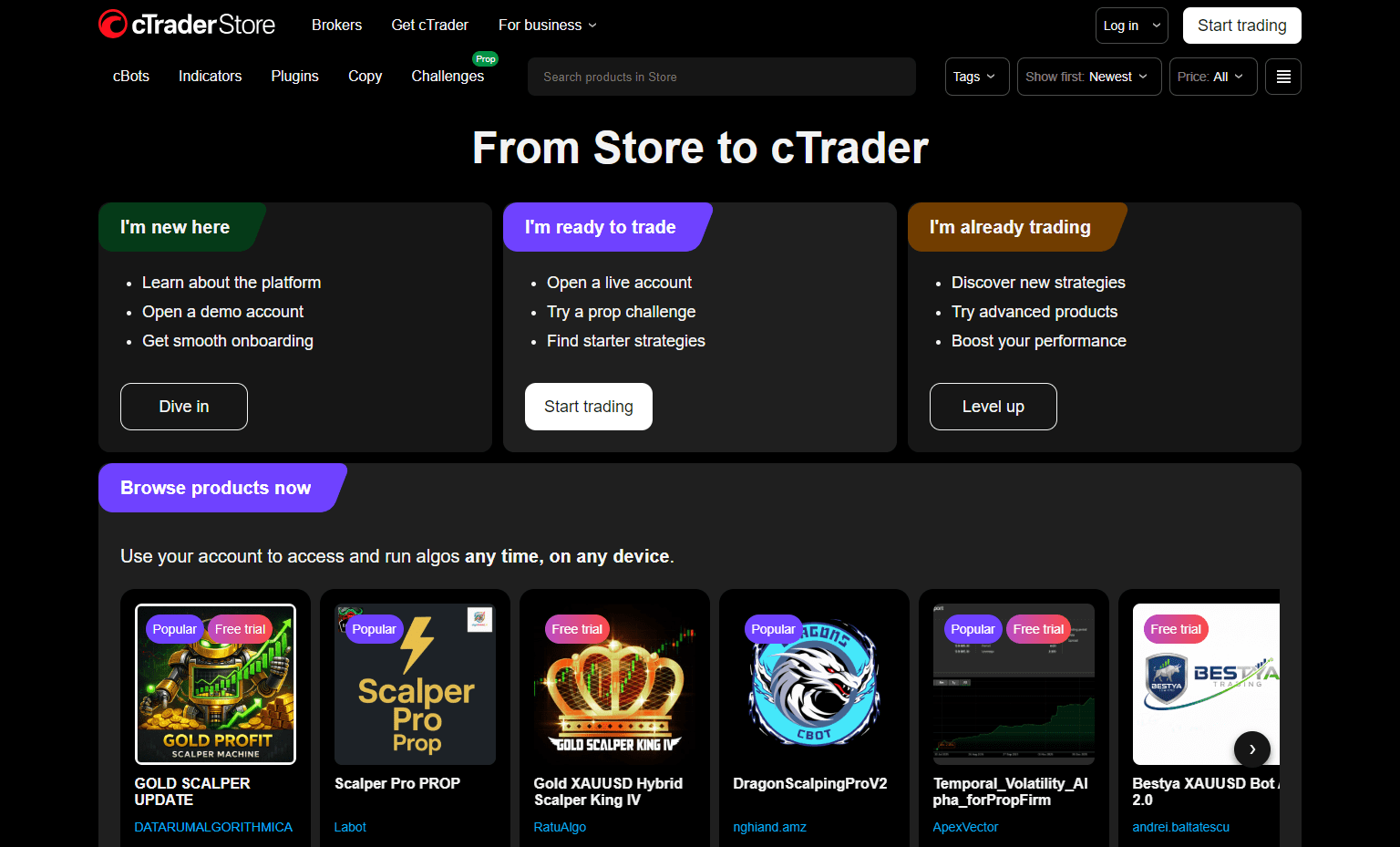
Spotware Systems introduced cTrader in 2011 with a clear goal: create a trading platform designed specifically for modern ECN trading environments.
Instead of building a simple interface for placing orders, the developers focused on transparency and precision.
The platform connects traders directly to brokers that provide liquidity and execute trades. This means cTrader itself does not act as a broker.
It serves as the software environment where traders analyze markets, send orders, and manage their positions.
Spotware designed the platform around three principles:
- Accurate trade execution
- Transparent pricing data
- Professional trading tools
These design goals explain why many brokers offering ECN or STP accounts integrate cTrader into their services.
What the Interface Feels Like in Daily Use
When traders open the platform for the first time, the layout immediately reveals that it was designed with active trading in mind.
The main workspace typically includes:
- A central charting window
- Market watch panels with tradable instruments
- Depth of market data
- Trade execution panels
- Account performance metrics
Charts can be detached into separate windows, which allows traders to build multi-screen setups. Many active traders use several monitors to track different markets simultaneously.
The platform also supports quick navigation. A trader can switch from analyzing EUR/USD to placing a trade on gold or an index with only a few clicks.
Charting Tools That Go Beyond Basic Indicators
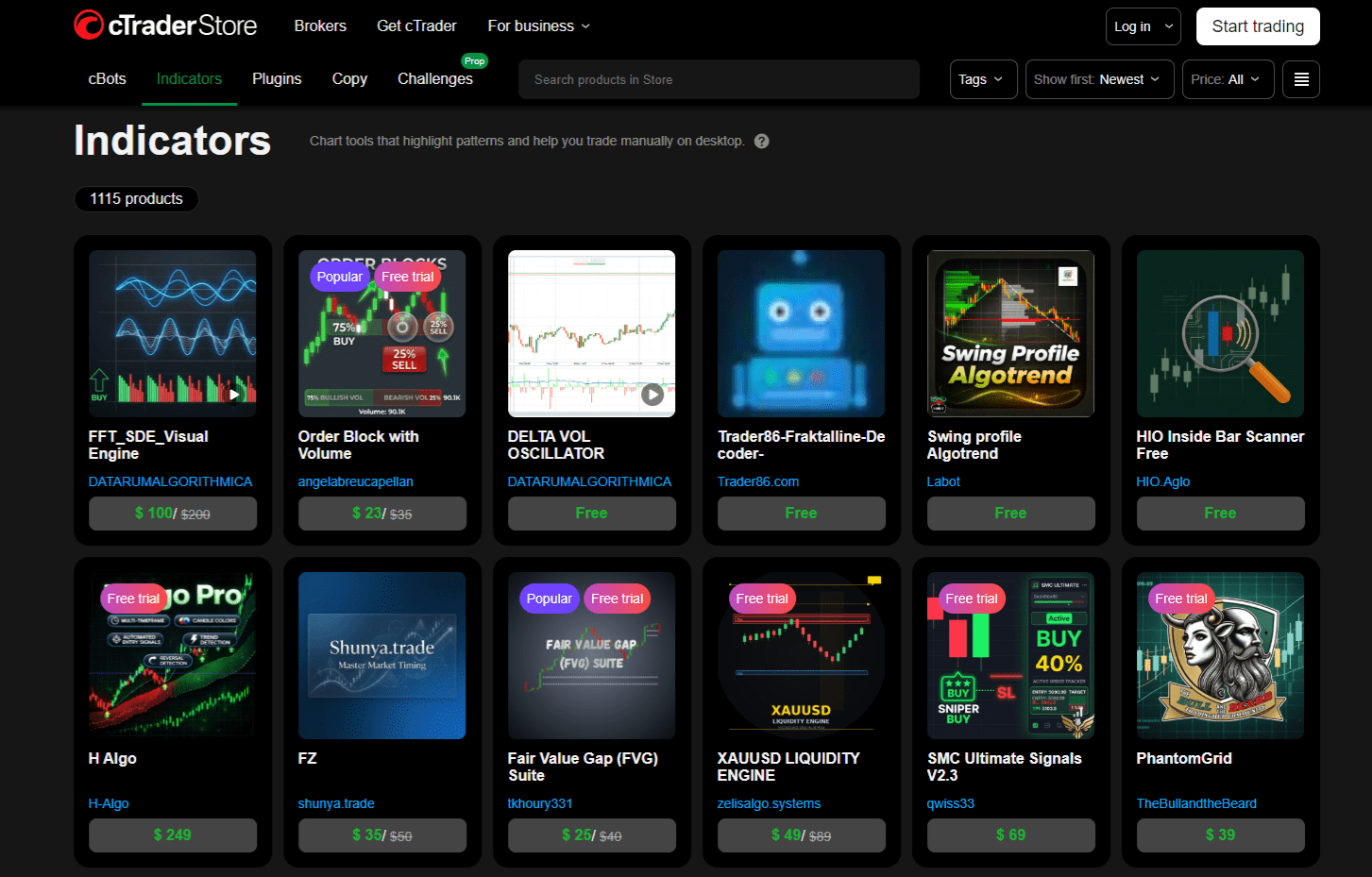
Technical analysis is one of the areas where cTrader performs particularly well. The charting engine offers a wide range of tools that allow traders to analyze price behavior in detail.
Key charting features include:
- Dozens of built-in technical indicators
- Multiple chart types, such as candlestick, bar, and line charts
- Detachable chart windows
- Custom timeframes
- Drawing tools for trendlines, Fibonacci retracements, and support levels
Charts also load quickly, even when traders zoom into smaller timeframes such as one-minute or tick charts.
A trader analyzing a currency pair like GBP/USD can easily switch between the daily chart to identify long-term structure and a five-minute chart to refine entry points.
The platform also allows traders to create custom templates. Once a trader configures indicators, colors, and drawing tools on a chart, they can save the layout and apply it instantly to other instruments.
Order Execution and Depth of Market Data
Execution speed plays a critical role in short-term trading strategies. cTrader provides several order types that allow traders to enter and exit positions quickly.
The platform supports:
- Market orders
- Limit orders
- Stop orders
- Stop-limit orders
One of the most distinctive tools available is the Depth of Market (DOM) panel. This panel shows the available liquidity at different price levels.
There are three types of depth-of-market views:
- Standard DOM: displays aggregated liquidity
- Price DOM: shows price levels and volume
- VWAP DOM: calculates volume-weighted average price
These views allow traders to understand how much liquidity exists at certain price levels before placing large orders.
For example, a trader placing a large position in EUR/USD can see how much volume is available at each price level and adjust the order size accordingly.
Algorithmic Trading With cTrader Algo
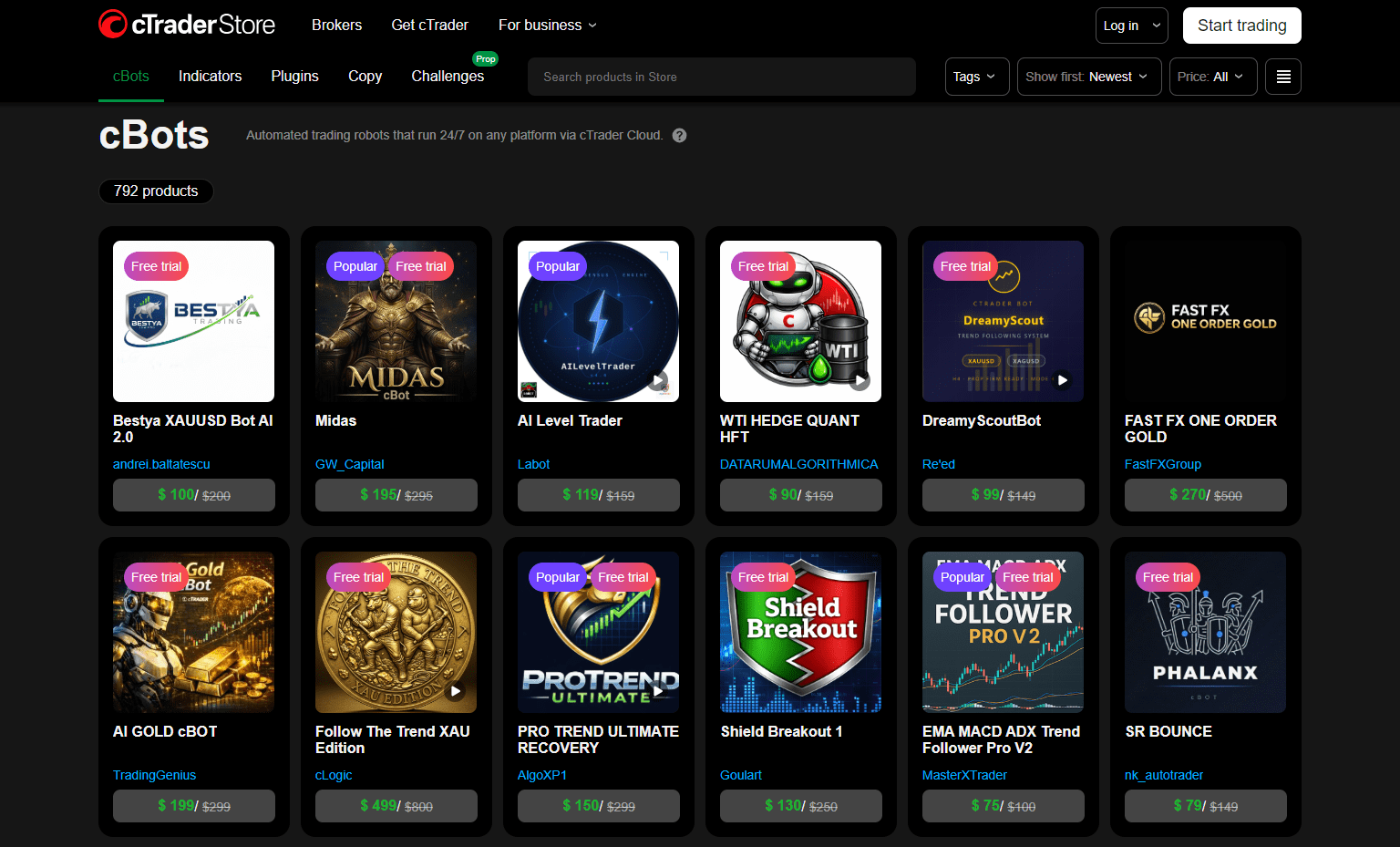
Algorithmic trading is another major part of the platform. Instead of using proprietary scripting languages like MetaTrader’s MQL, cTrader allows developers to write automated strategies using C#, a widely used programming language.
This environment is called cTrader Algo.
Traders and developers can create:
- Automated trading robots called cBots
- Custom technical indicators
- Strategy optimization tools
The platform also includes backtesting capabilities.
Traders can run historical simulations of a strategy using past market data to evaluate how it would have performed under real conditions.
Because C# is a common programming language, many professional developers find cTrader easier to work with compared with proprietary scripting environments.
Copy Trading Built Directly Into the Platform
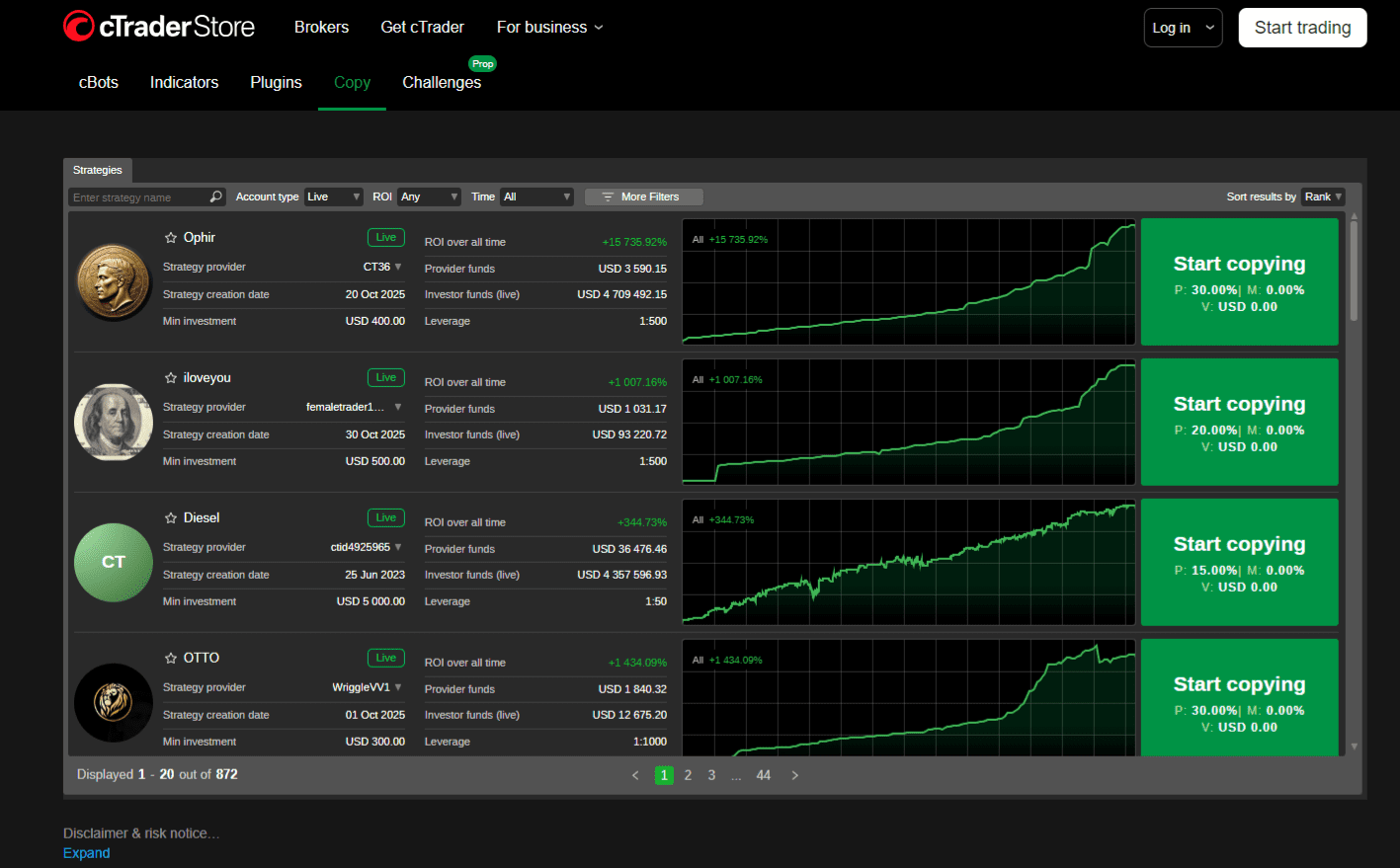
Another part of the cTrader ecosystem is cTrader Copy, the platform’s integrated copy trading system.
Instead of using external services, traders can browse strategy providers directly within the platform interface.
Each strategy page includes detailed statistics such as:
- Return on investment
- Maximum drawdown
- Number of followers
- Trading history
- Risk score
A trader can allocate a portion of their account balance to follow a strategy. Once the connection is active, the platform automatically replicates the provider’s trades.
This feature appeals to traders who prefer a more passive approach or want to diversify their trading strategies.
Automated Tools Marketplace
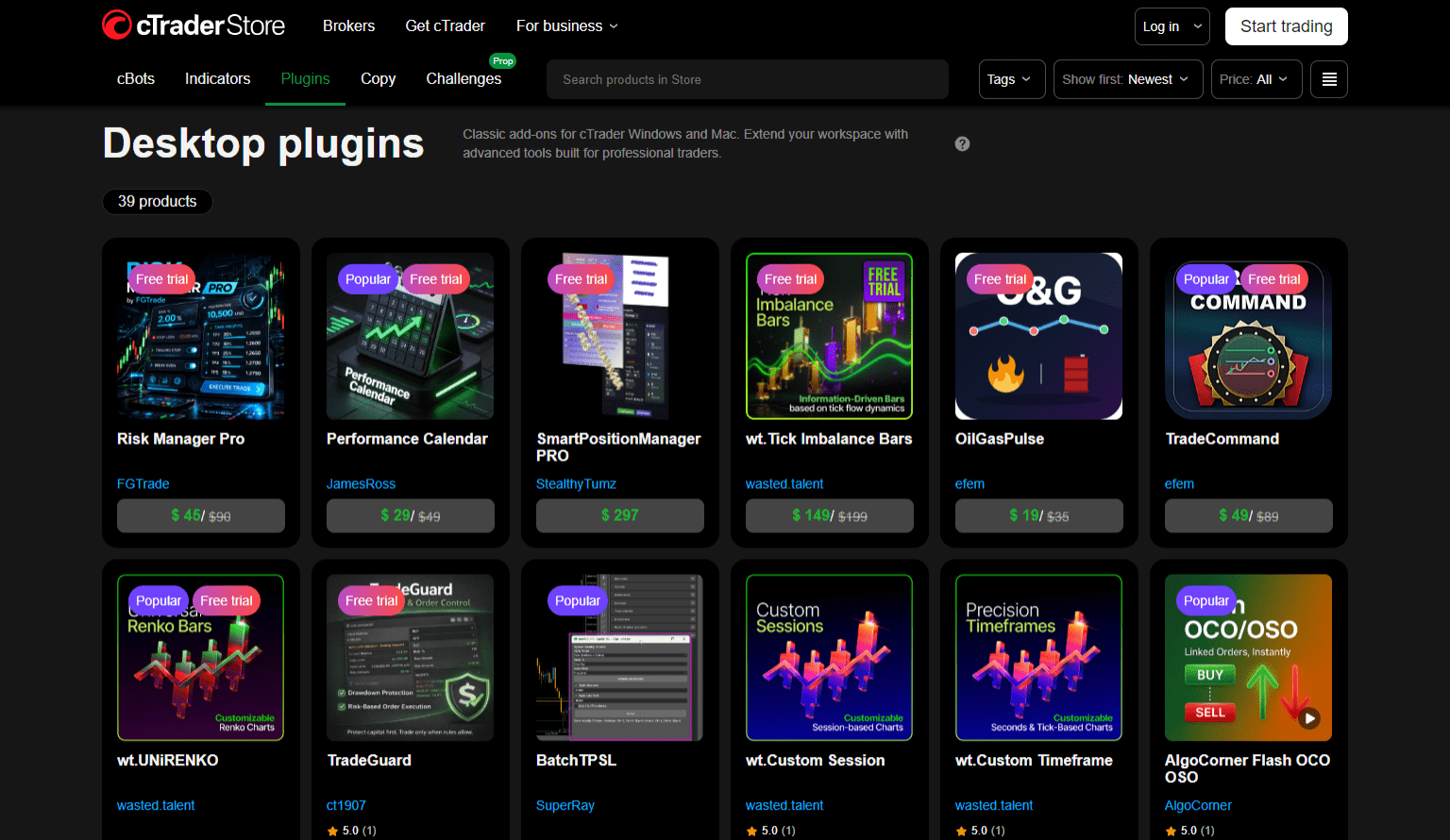
The cTrader ecosystem also includes a marketplace known as the cTrader Store. Developers can publish trading tools such as:
- Automated trading robots
- Custom indicators
- Trading utilities
- Risk management tools
Some of these tools are free, while others require payment.
For example, traders who prefer automated strategies might purchase a robot designed for specific market conditions, such as trend-following systems for major currency pairs.
The marketplace creates an ecosystem where traders and developers interact within the same platform.
Access Across Desktop, Web, and Mobile
Modern trading platforms must function across multiple devices, and cTrader supports several access points.
Traders can use:
- A desktop application for Windows
- A web-based version accessible through browsers
- Mobile apps for Android and iOS
The web version includes most of the features found in the desktop application, which allows traders to access their accounts from different locations without installing software.
Mobile apps allow traders to monitor positions, analyze charts, and place trades while away from their main trading setup.
For traders who travel frequently or monitor positions throughout the day, mobile access can be particularly useful.
Markets Available on cTrader

The platform itself does not define the tradable markets. Instead, brokers determine the assets available to their clients.
However, most brokers offering cTrader provide access to several major asset classes, including:
- Forex currency pairs
- Stock indices
- Commodities such as gold and oil
- Individual stocks
- ETFs
Because the platform supports multiple asset classes, traders can analyze and trade different markets from the same interface.
Why Some Traders Prefer cTrader Over Other Platforms
Several characteristics distinguish cTrader from other trading platforms.
First, the platform focuses strongly on transparency. Traders can review detailed order execution data, including timestamps and pricing information.
Second, the interface feels modern compared with many older trading platforms. Navigation between charts, orders, and market data is straightforward.
Third, algorithmic trading support through C# attracts developers who prefer working with widely used programming languages rather than proprietary scripts.
These elements explain why many ECN brokers offer cTrader as an alternative to MetaTrader.
Frequently Asked Questions
Can Traders Use cTrader Without Installing Software On Their Computer?
Yes.
cTrader offers a fully functional web version that runs directly in a browser.
Traders can log into their accounts, analyze charts, and place trades without downloading the desktop application.
This option works well for traders who switch between devices or access their accounts from different locations.
Is cTrader Suitable For Beginner Traders?
Beginner traders can use cTrader, although the platform includes many advanced tools that may take time to learn.
New traders often start with the basic charting tools and simple order types.
As they gain experience, they can gradually explore deeper features such as automated trading systems or depth-of-market data.
Do All Brokers Offer cTrader Accounts?
Not every broker supports cTrader.
Some brokers focus exclusively on other trading platforms, while others offer cTrader alongside MetaTrader.
Traders who want to use the platform usually choose brokers that specialize in ECN-style trading environments where cTrader works best.
Can Traders Customize The Platform Layout?
Yes.
cTrader allows traders to modify the workspace layout to match their trading style. Charts can be resized, moved into separate windows, or arranged across multiple monitors.
Traders can also save chart templates with specific indicators so the same layout loads instantly when analyzing different markets.
Final Thoughts
cTrader has established itself as one of the most capable trading platforms in the forex and CFD industry.
Its combination of advanced charting tools, depth-of-market data, algorithmic trading support, and integrated copy trading features creates a complete trading environment.
The platform also benefits from a modern interface and strong transparency around trade execution.
While the availability of markets depends on the broker offering the platform, cTrader provides the tools necessary for both manual and automated trading strategies.
For traders who want a powerful alternative to traditional trading platforms, cTrader remains one of the strongest options available today.