


Many traders place dozens of trades every week, yet few spend enough time reviewing those decisions afterward.
A profitable trade may hide a mistake, while a losing trade may follow the strategy perfectly.
Without proper review, it becomes difficult to understand what truly works in a trading approach. TraderVue focuses on that exact problem.
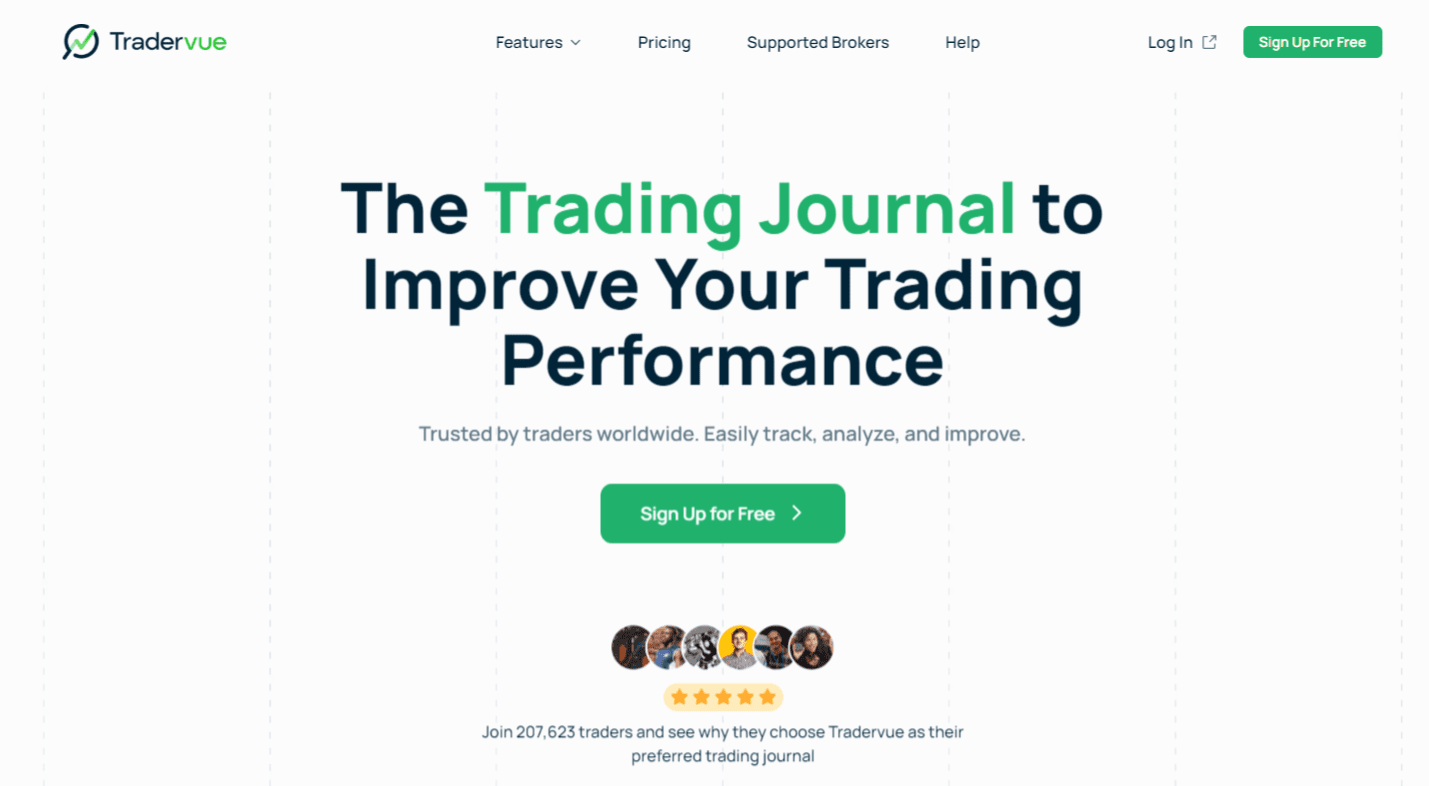
The platform records trade activity and provides detailed reports that allow traders to study their decisions and identify patterns in performance.
Instead of scattered notes or spreadsheets, traders receive structured data that helps them analyze trades and refine their strategy.
Why Trade Review Matters More Than Trade Execution
Execution often receives most of the attention in trading discussions.
Traders spend hours searching for entry signals or chart patterns. However, improvement usually happens during trade review, not during execution.
A structured review allows traders to answer important questions about their decisions.
For example, traders can discover:
- Which setups produce consistent profit
- Which markets create repeated losses
- Which time of day produces the best results
- Which mistakes appear in losing trades
Without a review process, these patterns remain hidden. Many traders repeat the same errors simply because they never examine their past trades closely.
TraderVue provides the tools that make this type of analysis possible.
The TraderVue Journal: Recording Every Trade Decision

The core of TraderVue is its trade journal system. Each trade receives a complete record that stores both technical details and personal observations.
A typical trade entry includes:
- Entry price
- Exit price
- Trade size
- Profit or loss
- Trade date and time
- Strategy tags
- Notes about the trade
For example, a trader may open a futures position at 4,200 and close the trade at 4,215 with one contract. The journal calculates the profit automatically and stores the trade in the account history.
Traders can also write notes about the decision. These notes often include reasons for entry, market conditions, or lessons from the trade.
Screenshots can also be attached to each record. Many traders include chart images that show the technical setup at the moment of entry.
Over time, this journal becomes a detailed record of trading behavior.
Visual Trade Analysis With Chart Integration
Numbers alone do not always explain what happened during a trade.
Visual analysis often provides a clearer explanation. TraderVue integrates TradingView charts that display trade executions directly on the price chart.
The chart shows:
- The entry point
- The exit point
- The price movement during the trade
This visual review allows traders to study their execution with greater clarity.
For example, a trader may notice that the entry occurred after a large price move. In that case, the trade began too late, which reduced the profit opportunity.
Charts can also reveal early exits. A trader may close a trade for a small profit even though the price continues to move strongly in the same direction afterward.
Visual analysis helps traders understand these mistakes much faster than reading numbers alone.
The Reports That Reveal Trading Patterns

TraderVue produces a large collection of reports that analyze trading performance. These reports help traders study their results from several perspectives.
Performance Reports
Performance reports focus on basic statistics that describe trading results. These reports include metrics such as:
- Win rate
- Total profit and loss
- Average winning trade
- Average losing trade
- Trade expectancy
For example, a trader may discover that the average winning trade equals $250, while the average losing trade equals $120.
This ratio reveals whether the strategy produces positive results over time. Such reports help traders evaluate the strength of their approach.
Strategy Reports
TraderVue allows traders to label trades with strategy tags. These tags categorize trades according to the setup used.
Examples include:
- Breakout
- Pullback
- News reaction
- Trend continuation
Once trades receive tags, the reporting system can compare the performance of each strategy.
A trader may discover that breakout trades generate consistent profit while pullback trades produce frequent losses.
This insight often leads to adjustments in the trading plan.
Time-Based Reports
The platform also analyzes performance based on time. These reports can reveal:
- The most profitable trading day of the week
- The strongest trading session
- The weakest hours of the day
For instance, a trader may discover that morning trades produce higher profit than trades placed in the late afternoon.
This type of information often helps traders adjust their schedule.
Exit Analysis: Measuring Missed Profit Opportunities
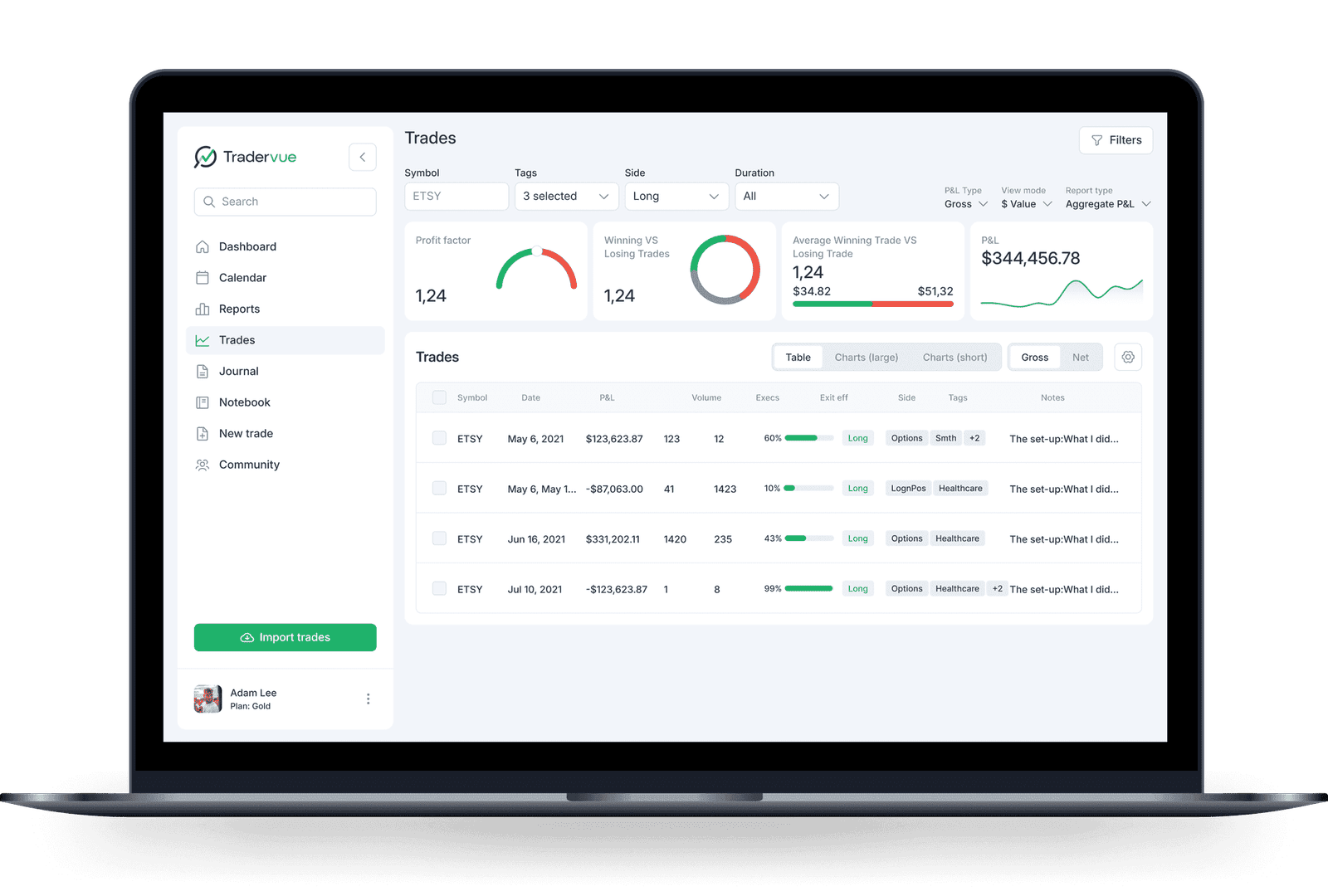
One of the most interesting features in TraderVue involves exit analysis.
This report compares the actual exit of a trade with the best possible exit that occurred during the price move.
Consider the following example.
A trader exits a position with a $180 profit. However, the price continues to move in the same direction and reaches a point where the trade could have produced $420 profit.
The exit analysis report highlights this difference. It shows how much potential profit remained in the trade after the exit.
This type of report helps traders study their exit timing. Many traders discover that early exits reduce their overall profit.
Through repeated analysis, traders can improve their trade management decisions.
Trade Import and Broker Integration
TraderVue supports trade imports from many broker platforms. Traders can connect their accounts or upload trade history files.
The most common import methods include:
- Automatic broker synchronization
- CSV file uploads
- Manual trade entry
The platform supports many popular broker platforms used by active traders.
Examples include:
- Interactive Brokers
- TD Ameritrade
- Lightspeed Trading
- TradeStation
A trader who exports a trade history file from a broker platform can upload the file into TraderVue.
The system reads the file and converts each position into a journal entry. This process allows traders to import hundreds of trades within seconds.
Collaboration and Trade Sharing
TraderVue also allows traders to share trade records with other users. This feature supports mentorship and collaborative review.
A trader can share trades with:
- Mentors
- Trading groups
- Fellow traders
Shared trades allow other users to view the entry, exit, notes, and chart images attached to the trade.
Mentors often use this feature to review student trades and provide feedback about strategy decisions or risk management.
This type of collaboration can help traders recognize mistakes more quickly.
TraderVue Pricing

TraderVue offers several subscription tiers that provide different levels of access to the platform.
Free Plan
- Basic trade journal access
- Limited analytics
- Around 30 trades per month
Silver Plan
- Approximately $29 per month
- Unlimited trades
- Advanced reporting tools
- Broker synchronization
Gold Plan
- Approximately $49 per month
- Expanded analytics
- Deeper performance reports
New users often receive a short trial period before choosing a paid plan.
Frequently Asked Questions
Can TraderVue Handle Large Trading Histories With Thousands Of Trades?
Yes. TraderVue can process large trade histories without major limitations.
Traders who upload months or years of trading activity can review the entire dataset through reports and filters that organize trades by strategy, instrument, or time period.
Does TraderVue Allow Traders To Search For Specific Trades Quickly?
Yes. The platform includes filtering tools that allow traders to locate trades based on tags, dates, instruments, or profit results.
This makes it easy to review a specific strategy or examine trades from a particular trading session.
Can Traders Use TraderVue To Evaluate Trading Consistency Over Time?
Yes. TraderVue provides performance reports that track results across weeks, months, or longer periods.
These reports allow traders to study changes in consistency and identify periods where performance improves or declines.
Does TraderVue Allow Traders To Review Trades From Different Markets In The Same Journal?
Yes. TraderVue supports multiple asset classes, including stocks, options, futures, and forex.
Traders who operate in several markets can record all trades in the same journal and analyze performance across different instruments.
Final Thoughts
TraderVue focuses on the idea that trading improvement happens through careful review of past decisions.
The platform records trade history, provides visual chart analysis, and generates reports that reveal patterns in performance.
Tools such as strategy tagging, exit analysis, and time-based reports allow traders to study both technical execution and decision quality.
By examining trade records through structured reports, traders gain a clearer understanding of their strengths and weaknesses.
For traders who want a systematic way to analyze past trades and refine their strategy, TraderVue provides a platform that turns trade history into actionable insights.